 Rated 4.7/5
 GDPR Compliant
 SOC 2 Type II
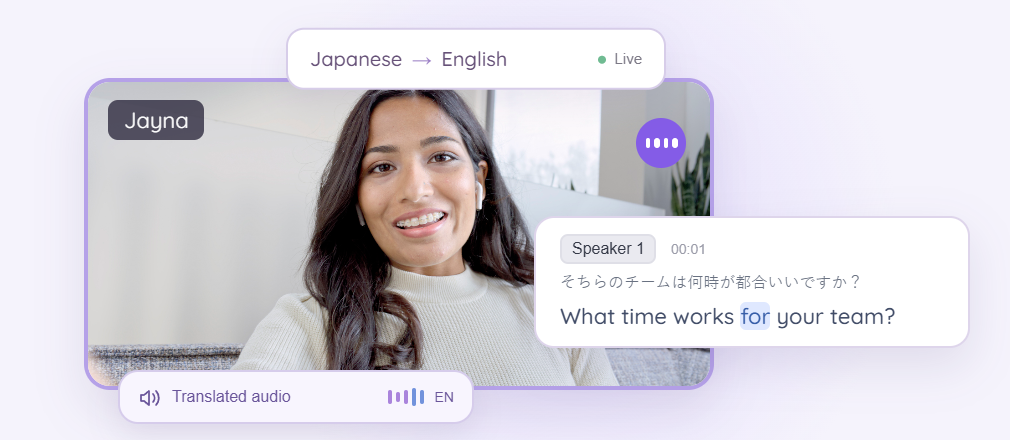
Online meetings
Live captions and voice-to-voice translation for Zoom, Google Meet, Teams, Webex, and other meeting apps.
Accurate live translation powered by AI Memory that remembers your work across meetings, events, and messages in 200+ languages, so you’re never lost in translation.


Live captions and voice-to-voice translation for Zoom, Google Meet, Teams, Webex, and other meeting apps.
Meet across languages. Use a microphone to follow face-to-face conversations with live translation.
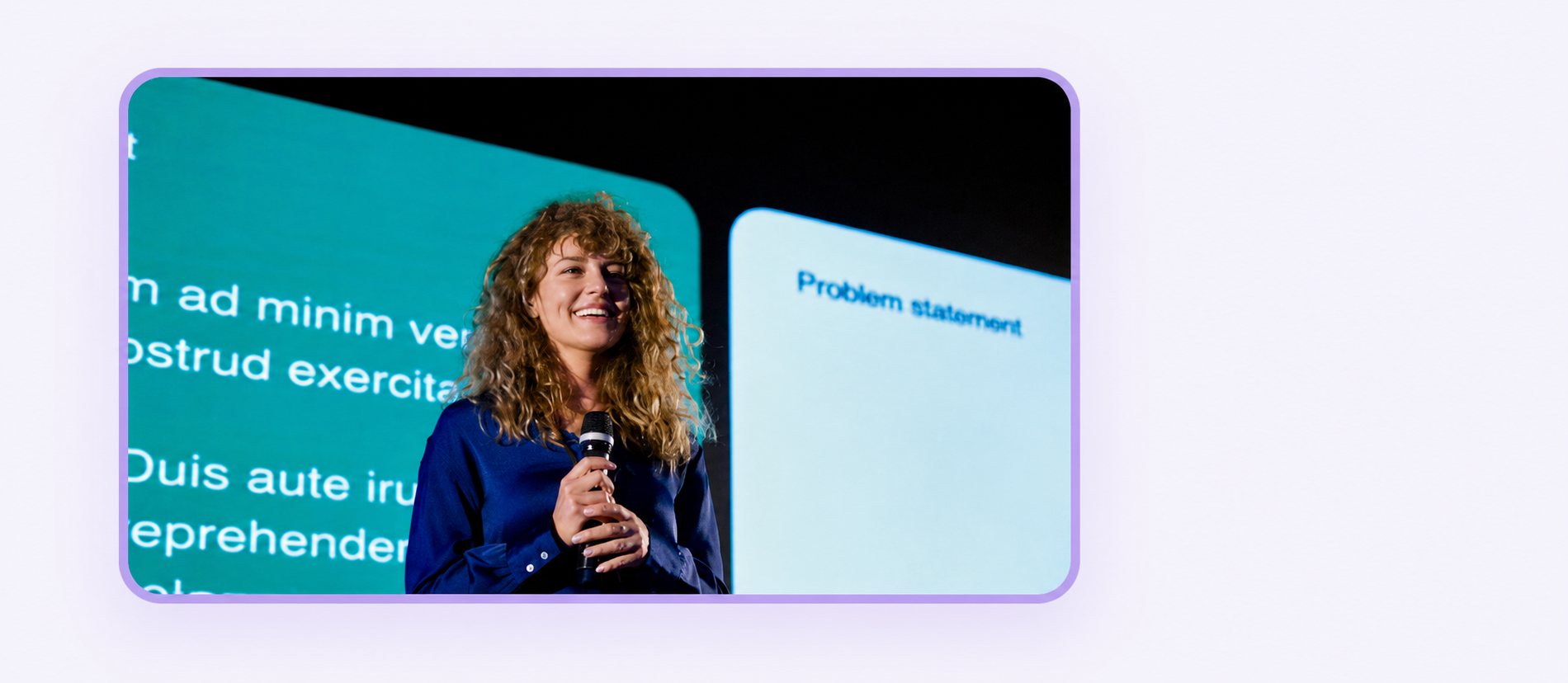

Share live captions on a big screen, or let attendees follow captions and translated audio on their devices.
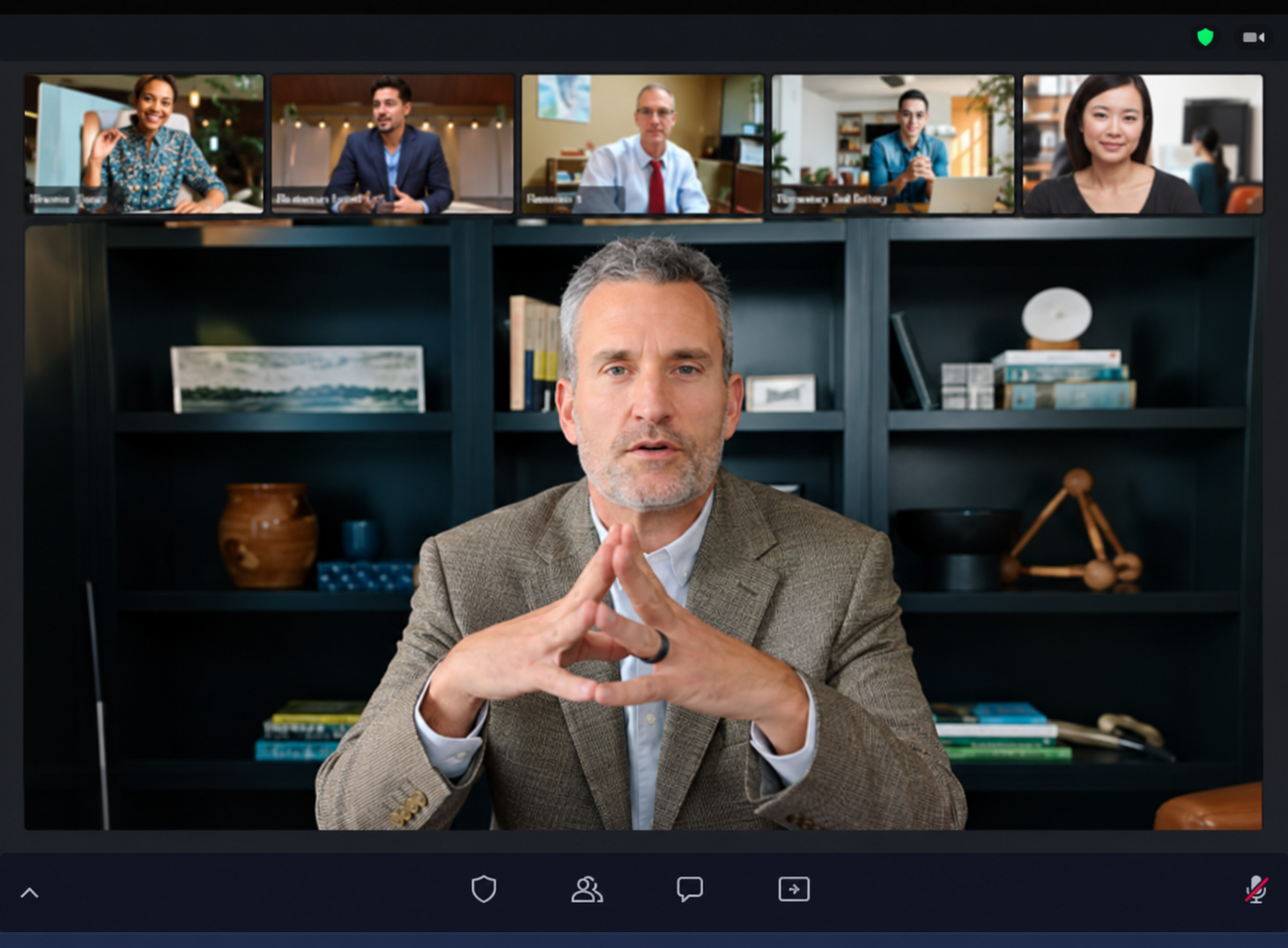
Share a translation link or add translated subtitles to your video or camera. Let viewers follow in their language.
Accurate live transcription, so you can stay in the conversation and revisit what was said.
金
Turn audio and video recordings into accurate transcripts you can search and revisit.
Turn accurate transcripts and your own notes into clear takeaways and next steps.
APAC data centers64 H100 / SG + Tokyo32 eachTokyo power + cooling??Eri Fri / PO Mon6wk lead time
We need 64 H100 GPUs across Singapore and Tokyo for the APAC launch.
Singapore has power and cooling approval for 32 GPUs. Tokyo still needs facilities signoff.
Allocate 32 to each site. Hold the Tokyo shipment until facilities approves it.
I’ll confirm Tokyo’s rack power and liquid cooling capacity by Friday.
Supplier lead time is six weeks after the purchase order is accepted.
I’ll submit the purchase order on Monday. Eri owns the Tokyo readiness check. That’s everything.
Say what’s on your mind. Turn your voice into polished text in the apps you already use.
Share meeting notes, decisions, and translated files with the people who need them.
Keep the conversation going in your own language, with translated messages and documents.
金曜日までに東京の電力と冷却能力を確認します。
Ask JotMe before, during, and after meetings. Get answers from your notes and transcripts throughout your workflow.
Translate documents and media with formatting and context preserved where supported. Review the result before sharing or relying on it.
JotMe saves context from your work across the platform in AI Memory, helping every translation stay accurate to your context.
ジョニーの新しい機能を発表します。この機能で、世界中のチームが言葉の壁を越えて協力できます。
We announce the new function of Johnny. With this function, teams of the whole world can cross the wall of words and cooperate.
We announce the new function of JotMe. With this function, teams of the whole world can cross the wall of words and cooperate.
Your saved terminology identifies JotMe as the product name, correcting “Johnny”.
Find the languages supported for your workflow.
Language availability varies by feature.
From your next conversation to your entire organization.
From multilingual meetings to everyday teamwork. Hear from the people using JotMe.
“JotMe streamlines our multilingual meetings, ensuring seamless collaboration in our fast-paced work environment.”


“This bilingual feature streamlines note-taking at work, saving time and boosting efficiency in both languages.”


“Essential for non-fluent speakers; simplifies complex meetings with real-time translation and accurate transcriptions.”

 Upwork
“As my job involves translation and bridging cultures, I have found this tool as a game changer to my daily work.”


“Japanese was once a mystery to me, but this product made it clear and accessible with contextual understanding.”


“The translation we've needed for years – now a reality with JotMe!”



GDPR compliant. Your information stays private and under your control.
GDPR compliant. Your data is encrypted and protected through global security frameworks.
Your recordings and transcripts are never sold to third parties or used to train AI models at JotMe.
Data is encrypted in transit and at rest, with additional encryption layers for sensitive personal information.
You retain control and ownership of your data, as stated in our Terms of Service.
Start free, then choose the plan that fits your workflow.
Annual billing selected.
The quickest way to get started with JotMe.
Best for streamlining occasional multilingual work.
Perfect for building momentum and making your mark globally.
For teams collaborating across languages.
Find the right plan for your languages and audience.
Discuss your company’s languages, workflow, and requirements.
Yes. Open JotMe Desktop on Mac or Windows alongside your meeting, choose your spoken and translation languages, and start live translation. JotMe uses your microphone and computer audio to show translated captions while you stay in your usual meeting app.
See the meeting setup guideYes. The free plan includes 20 live translation minutes, 50 transcription minutes, and 5 AI credits per month. Translation minutes, transcription minutes, and AI credits are separate allowances. Your chosen translation model and any shared sessions affect how quickly minutes are used.
Compare plansJotMe offers 200+ translation output languages on supported desktop workflows. Spoken-language recognition, translated voice, files, and meeting notes have different language coverage. Check the languages for the feature and model you plan to use, especially when offering translated audio to an audience.
Find your supported languagesNo bot joins your call. For your own translated view, run JotMe Desktop alongside the meeting; other participants do not need to install it. If you want to share live translation, Premium and above can fund guests who join through a browser link or QR code.
Explore live translation sharingYes. Run JotMe on the host computer with your event audio feed. Show translated captions on a shared screen, or share a link or QR code so attendees can follow captions or translated audio on their devices. Each concurrent stage or audio feed needs its own host account.
Explore event translationAttendees scan your QR code or open the joining link in a browser. They do not need to install JotMe or create an account, and can choose from the languages you make available. When you share Voice mode, they can also listen to translated audio using headphones. Usage comes from the host’s translation minutes.
See how attendees joinPlan around your event duration, concurrent sessions, audience size, languages, and whether you need captions or translated audio. Translation delivered to attendee devices uses minutes for each recipient; a shared caption display is counted differently. Use the event calculator to estimate the host accounts and translation minutes you need.
Explore Event PlansAdd names, product terms, and industry vocabulary to your custom vocabulary so JotMe can recognize and preserve them. For example, register your company name before a presentation. Real-time memory and translation-quality settings help live translation use conversation context. A clear microphone feed helps too.
Set up custom vocabularyYes. Upload an audio or video recording, choose a translated transcript language, and select the languages for your meeting notes. You can also revisit saved live sessions to review transcripts and notes, ask questions about the conversation, and share the results with your team.
Explore recordings and transcriptionJotMe does not use customer data to train its AI models. Transcripts, recordings, notes, chats, and translated files are handled to provide the features you request. Review your sharing settings to choose what participants receive during and after a session, and use the privacy guide for storage and access details.
Read about privacy and your dataPractical guides for multilingual meetings, teamwork, and translation.
 GUIDES
Explore hybrid meeting formats and practical ways to help remote and in-person participants work together.
 GUIDES
See how translation accuracy changes by language, context, tone, and use case, with practical tests and a JotMe comparison.
 GUIDES
Compare tools for small and large teams, including JotMe, Plaude AI, Zoom, TrueConf, Cvent, Granola, and Teams.
 GUIDES
Explore tools for meeting notes, live translation, search, and follow-ups to find the right fit for your workflow.
 GUIDES
Find speech to text tools for accurate transcripts, offline work, and conversations across languages.
 GUIDES
Explore chat apps that help global teams share updates and collaborate in their own languages.


 G2
 Chrome Web Store